
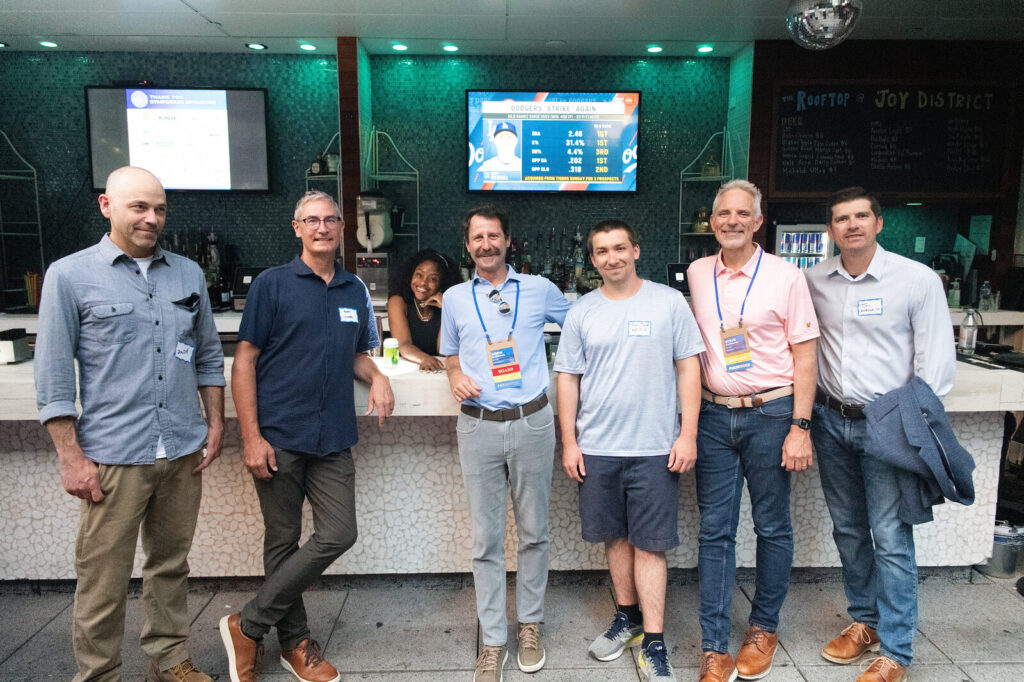
On-camera vs. off-camera flash is one of the biggest choices in event photography. Event photography with on-camera flash is fast and mobile. Event photography with off-camera flash gives you more shape, depth and control. Most working event photographers use both, sometimes in the same hour. Here’s when to use each, how to set them up and what it means for the photos your client receives.
Event Photography: On-Camera Flash
On-camera flash means a speedlight mounted on your camera’s hot shoe. It moves with you, which makes it the default for fast-moving rooms.
When to use on-camera flash
- Networking and candids, where people move constantly
- Crowded rooms with no space for light stands
- Quick group photos at a table or in a hallway
- Any moment where you can’t predict where you’ll be standing next
Bounce flash: the key to natural results
Pointing a flash straight at someone gives the harsh, flat “deer in headlights” look. Instead, bounce it off a ceiling or wall behind or beside you. The light spreads, softens and comes from a more natural direction. White or light-colored ceilings at normal heights work best.
When you can’t bounce
High ceilings, dark wood and black ballroom drapes absorb bounced light. In those rooms, a flash modifier or a black foamie card (to flag light off the subject’s face) helps, or you can switch to off-camera flash.
On-camera flash settings to start with
- Mode: TTL for speed, with flash exposure compensation around -1 to -0.3 to keep it subtle
- Shutter speed: slow enough to bring in the room’s ambient light (often 1/60 to 1/125)
- ISO: raised enough that the flash fills in rather than overpowers (often 1600–3200 in ballrooms)
- White balance: gel the flash to match warm room light, so faces and backgrounds don’t clash
Event Photography: Off-Camera Flash
Off-camera flash means one or more flashes on stands or held by an assistant, fired wirelessly. Because the light comes from an angle, faces get shape and the background separates from the subject.
When to use off-camera flash
- Planned group photos with leadership, sponsors or honorees
- Award handoffs and step-and-repeat photos, where the spot is fixed
- Dark venues where bounce flash has nothing to bounce off
- Rim or back light on the dance floor or reception to add depth
A simple off-camera setup for events
- One flash with a small softbox or umbrella at a 45-degree angle to the group
- Optional second flash behind the subjects as a rim light
- Wireless trigger on the camera, set to manual power for consistency
- Light stands sandbagged or placed where guests won’t trip
Off-camera flash settings to start with
- Mode: manual flash power, so every frame matches
- Shutter speed: controls how much ambient room light shows
- Aperture: f/4–f/5.6 for small groups, f/8 for larger groups so every face is sharp
On-Camera vs. Off-Camera Flash: Side by Side
| On-camera flash | Off-camera flash | |
|---|---|---|
| Speed | Fast, moves with you | Slower, needs setup |
| Look | Even, natural when bounced | More shape, depth and drama |
| Best for | Candids, networking, roaming coverage | Groups, awards, step-and-repeat, dark venues |
| Gear | One speedlight, modifier | Flashes, triggers, stands, modifiers |
| Main risk | Harsh light if you can’t bounce | Stands in walkways, more to manage |
When to Skip Flash Entirely
Flash isn’t always welcome. Skip it or turn it way down during:
- Keynotes and stage presentations, where stage lighting is designed for the room and flash distracts the speaker
- Quiet moments like moments of silence, award announcements or emotional speeches
- Anything a client or venue has asked you not to light
For stage work, use a fast lens, a higher ISO and expose for the stage lights. Modern cameras handle this well.
Example Setups From Real Events
Hotel ballroom conference
Our go-to kit: a 70–200mm lens with a Godox V1 on camera, or a Godox AD200Pro off camera. The V1’s round head bounces softly off ballroom ceilings for networking and candids, and the 70–200mm lets us work from a distance without crowding speakers or guests. When we need more control for groups or sponsor photos, the AD200Pro comes off the camera.
Evening gala in a dark venue
Same kit: a 70–200mm with a Godox V1 on camera, or a Godox AD200Pro. Dark venues often have nothing to bounce off, so the extra power and placement of the AD200Pro help light faces without flattening the room’s mood lighting.
Rooftop or outdoor reception at dusk
A 70–200mm with a Godox V1 on camera. At dusk, a touch of flash fills in faces so they stay bright against the sunset sky instead of turning into silhouettes.
What Event Planners Should Know About Flash
If you’re planning an event, a few details help your photographer get better photos:
- Share the venue and room in advance, especially ceiling height and lighting
- Let your photographer know about any no-flash moments or speaker requests
- Reserve a spot near good light for group and sponsor photos
- Ask whether your photographer brings off-camera lighting for groups and awards
See what this looks like in practice in our corporate event photography examples, or learn more about our corporate event photography.
Frequently Asked Questions
Should I use flash for event photography?
Usually, yes, for networking, candids and groups indoors. Skip it for keynotes and stage presentations, where stage lighting does the work.
Is on-camera or off-camera flash better for events?
Neither is better on its own. On-camera flash is better for fast, roaming coverage. Off-camera flash is better for planned photos like groups and awards. Most event photographers use both.
How do you bounce flash in a room with high ceilings?
Bounce off a nearby wall instead, use a flash modifier, or switch to off-camera flash on a stand.
Can you photograph an event without flash?
Yes, in well-lit venues or with fast lenses and higher ISO settings. In most hotel ballrooms, though, a little flash makes faces look much better.