
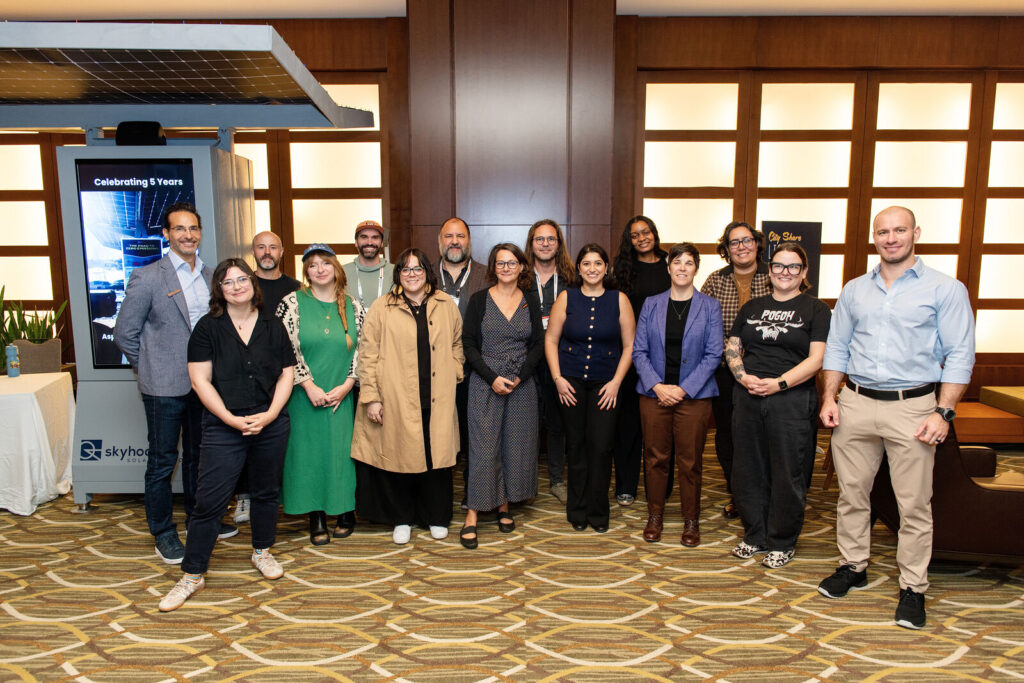
Short answer: Event content creation is planning, capturing and repurposing photos, video and social clips from a conference or corporate event so one day of programming feeds your marketing for months. The best results come from deciding what content you need before the event, capturing it with a shot list during the event, and following a repurposing calendar after it.
Most guides to event content creation focus on what happens on stage: session formats, speaker prep, attendee engagement. That matters. But for most marketing and event teams, the harder problem comes later. The event ends, someone asks for “the photos,” and the team finds a folder of phone pictures, one recap video and nothing sized for LinkedIn.
We photograph and film conferences and corporate events for a living. This guide covers the part the others skip: how to plan, capture and repurpose event content so one event produces six months of usable marketing.
In this guide:
- What is event content creation?
- Why most event content never gets used
- Before the event: plan the content, not just the coverage
- During the event: what to capture
- After the event: a 6-month repurposing calendar
- Example: NABSA 2026 in Cincinnati
- What event content creation costs
- How to measure results
- Event content checklist
- Frequently asked questions
What Is Event Content Creation?
Event content creation is the process of planning, producing and distributing content from an event, before, during and after it happens. For a conference or corporate event, that usually means:
- Photography: keynotes, sessions, networking, sponsors, venue details and headshots
- Video: a highlight reel, a full recap, session recordings and interview soundbites
- Social content: vertical clips, same-day photo selects and quote graphics
- Written content: session recaps, blog posts and newsletter features built around the visuals
The goal isn’t to document the event. It’s to build a library of assets your marketing, communications, sponsorship and HR teams can keep using long after the room clears.
Why Most Event Content Never Gets Used
In our experience, event content goes unused for three reasons:
- Nobody decided what it was for. Without a plan, the photographer captures “the event” instead of the specific shots your sponsor report, careers page and next year’s promo actually need.
- It arrives too late. If photos show up two weeks later, the moment to post has passed. Event content has a short window for social and a long tail for everything else.
- It’s in the wrong format. A 4-minute horizontal recap video doesn’t work on Instagram Reels, and a full-resolution gallery of 800 images doesn’t help a social manager who needs 10 great ones today.
Every one of these is a planning problem, not a talent problem.
Before the Event: Plan the Content, Not Just the Coverage
1. Start with where the content will live
List every place event content will be used in the next six months: LinkedIn, Instagram, your website, the sponsor report, the annual report, recruiting materials and next year’s registration page. Each one needs different shots and formats, so this list drives everything else.
2. Build a shot list
Share the agenda and mark the must-have moments: the CEO keynote, the award presentation, the sponsor booths you promised coverage to, the panel with your biggest client. Add the people who must be photographed (VIPs, speakers, board members) and anything only your team would know matters.
3. Map coverage to the room count
A single-room meeting needs one photographer. A conference with breakouts, an expo floor and an evening reception happening at the same time needs more. A good rule: one photographer for every place something important happens at once. We explain this in detail in how many photographers you need for a conference.
4. Plan for consent and releases
Add a photo and video notice to registration and signage at the venue, and get signed releases from speakers and anyone featured in interviews or recruiting content. It takes ten minutes to set up and saves a lot of headaches when legal reviews your recap video.
5. Decide turnaround before the day
Agree on what you need right away (a handful of social-ready selects the same day or next morning), what you need within a few days (full edited galleries) and what can take longer (the recap video). For multi-day conferences, ask for daily preview galleries so your team can post while the event is still happening.
During the Event: What to Capture
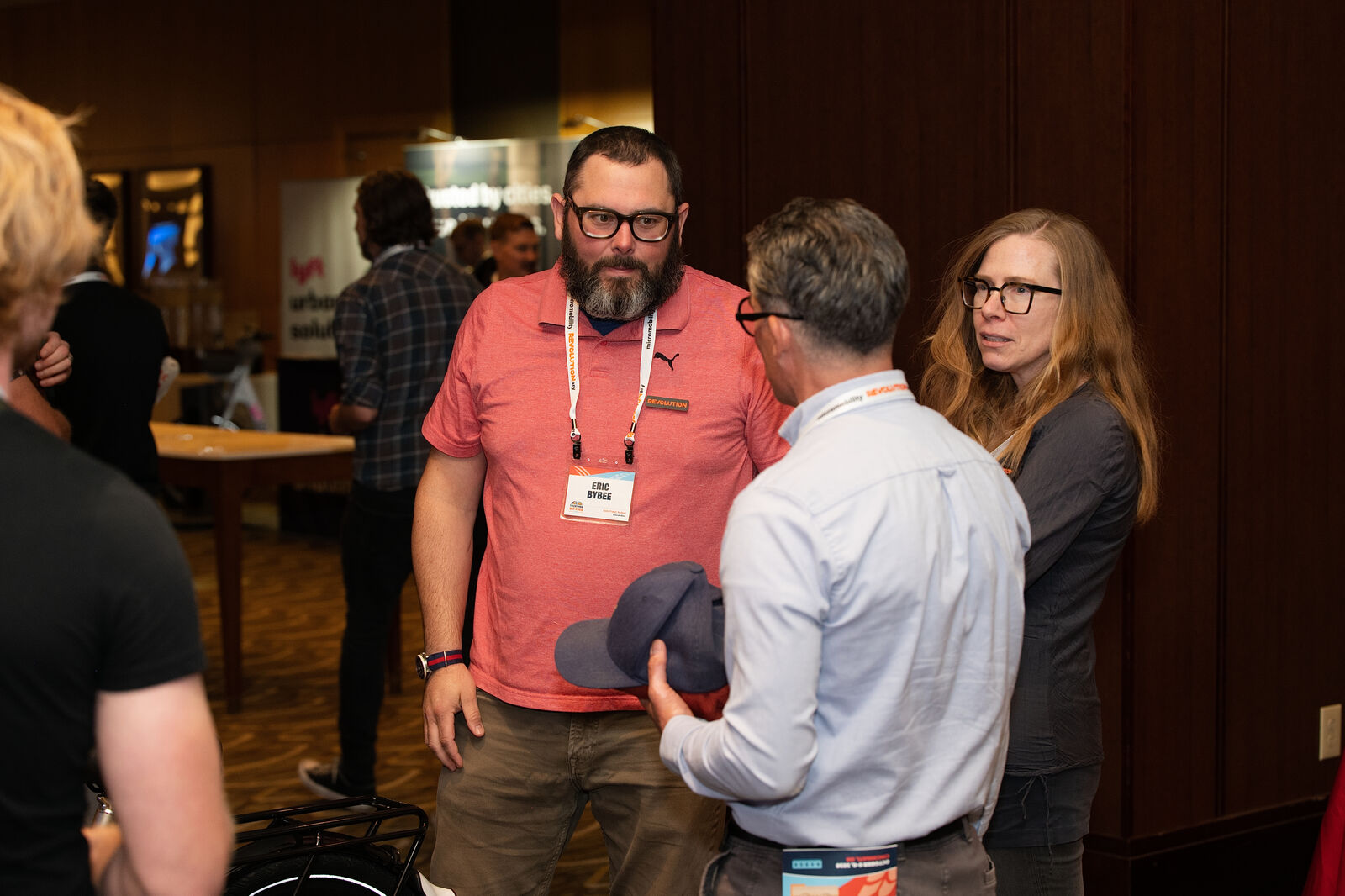
Here’s the content we plan to capture at most conferences and corporate events, and what each piece is used for afterward:
| Content | Best used for | Typical turnaround |
|---|---|---|
| Photo selects (10–25 images) | Live social posts, attendee and sponsor shares | Same day or next morning |
| Full edited photo gallery | Website, newsletters, press, annual report | 3–5 business days |
| Keynote and session photos | Speaker promotion, session recaps, next year’s speaker recruiting | 3–5 business days |
| Sponsor and exhibitor photos | Sponsor reports and renewals | 3–5 business days, or rush |
| Highlight reel (60–90 seconds) | Social, homepage, next year’s registration push | Set in your quote |
| Full recap video (3–5 minutes) | Sponsor decks, internal communications, stakeholder reports | Set in your quote |
| Session recordings | On-demand content, member portals, gated resources | Set in your quote |
| Interview soundbites | Testimonials, quote graphics, short social clips | Set in your quote |
| Attendee headshots | A perk for attendees and LinkedIn-ready photos that spread your event | 3–5 business days |
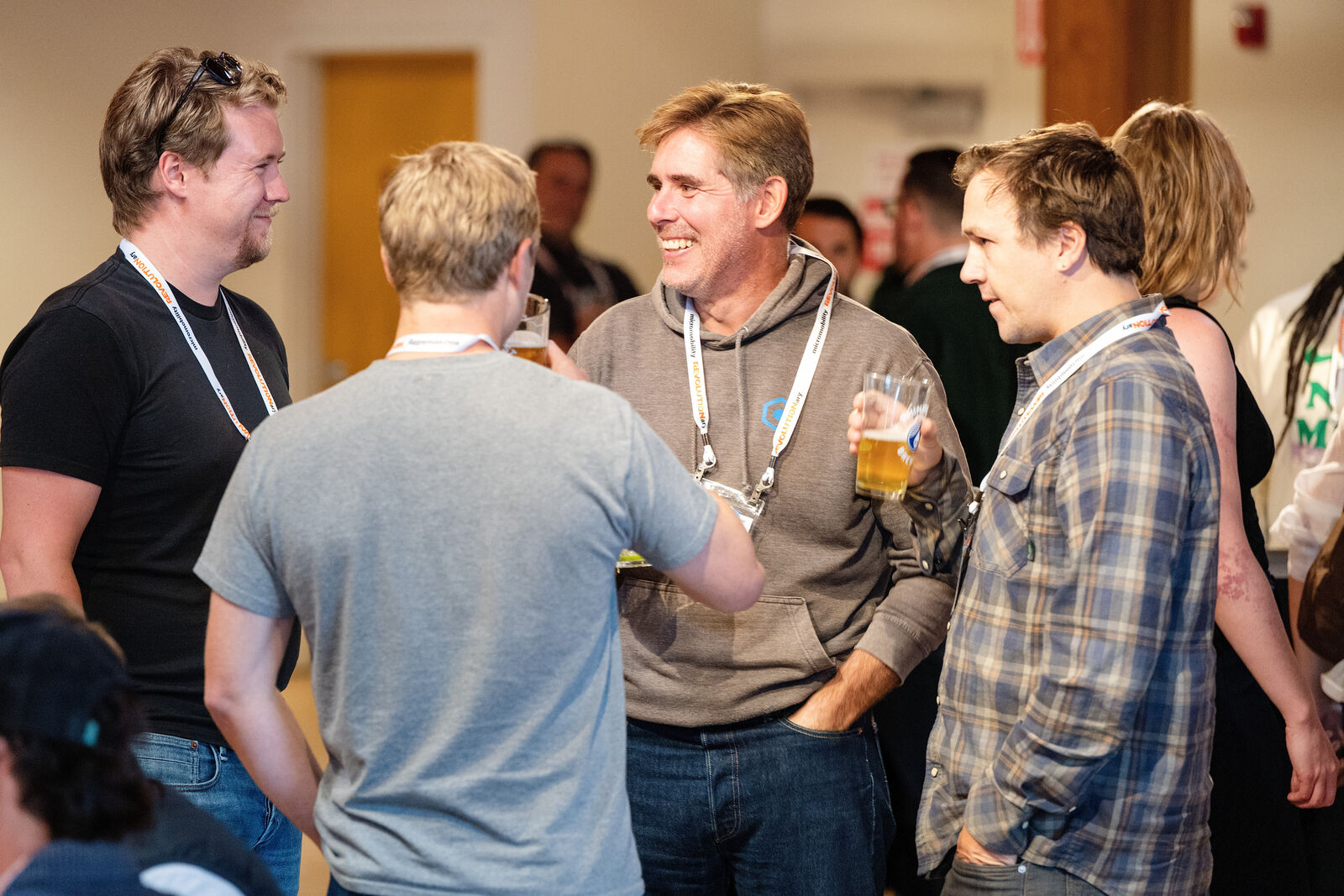
Two pieces are easy to overlook and especially valuable. Candids between sessions are often the most-shared images, because people want to see themselves and their colleagues, not just the stage. And a conference headshot station gives attendees something they’ll actually use, which means your event shows up on hundreds of LinkedIn profiles.
After the Event: A 6-Month Repurposing Calendar
This is where most teams leave value on the table. One well-captured event can fill your content calendar for half a year:
| When | What to publish |
|---|---|
| Event day | Same-day selects on LinkedIn and Instagram; tag speakers and sponsors |
| Week 1 | Thank-you post with the highlight reel, full gallery shared with attendees, sponsor photo packages delivered |
| Weeks 2–4 | Recap blog post or newsletter feature, speaker clips (one per week), sponsor report |
| Months 2–3 | Session recordings as on-demand content, quote graphics from interviews, behind-the-scenes posts |
| Months 4–5 | Recruiting and culture content using team photos, “save the date” for next year using the best images |
| Month 6 | Registration campaign for next year built around the highlight reel and attendee testimonials |
The trick is planning the calendar before the event, so the shot list includes what each of these posts needs.
Example: NABSA 2026 in Cincinnati
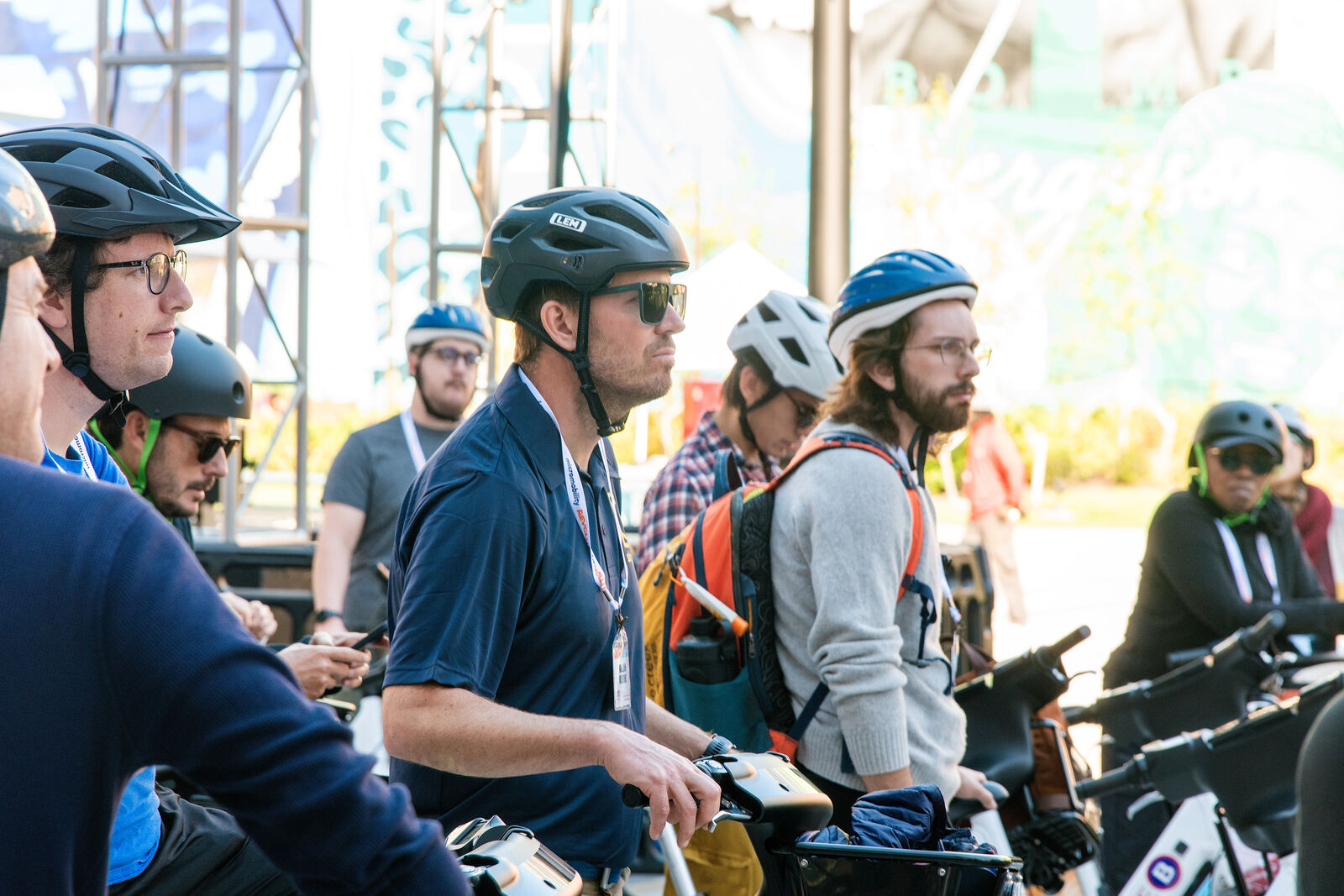
The North American Bikeshare & Scootershare Association (NABSA) held its 2026 conference at The Westin Cincinnati. The association needed content that worked for its own channels, its sponsors and its exhibitors, and that showed an industry that lives on the street, not just on stage.
We covered the keynotes and general sessions, the exhibitor expo, networking between sessions and the evening reception, and rode along on the bike share group ride through downtown. Video captured the plenary sessions in full plus moments for a recap film, and a preview highlight gallery went out each day so NABSA could post during the conference. Sponsor and exhibitor photos were tagged so they could go back to partners quickly.
NABSA left with a full content library: a recap video, plenary session recordings, daily highlight galleries and complete photo galleries for recaps, sponsor reports and next year’s promotion. Read the full NABSA case study.
What Event Content Creation Costs
Cost depends on hours of coverage, the number of photographers and videographers, and how much editing and repurposing you need. As a general guide:
- Event photography only: usually $1,500–$4,500 for a standard corporate event or conference. See our full guide to how much event photography costs.
- Adding video: event videography with us starts at $2,250, depending on the deliverables (highlight reel, recap, session recordings).
- Photo and video together: booking both from one team usually costs less than hiring separately, and the content matches in look and feel.
Our event content creation packages combine photo, video, same-day selects, sponsor packages and social clips into one custom quote, built around your agenda.
How to Measure Results
Pick a few metrics before the event so you can show the content paid off:
- Social engagement on event-day and recap posts, compared with your usual posts
- Shares and tags by attendees, speakers and sponsors
- Video views and watch time on the highlight reel and session recordings
- Sponsor renewals and how often sponsors use your photos in their own marketing
- Next year’s registrations from campaigns built with this year’s content
Event Content Checklist
- List every channel and report the content will feed for the next six months.
- Share the agenda, VIP list and must-have shots with your photo and video team.
- Match the number of photographers to the number of rooms running at once.
- Add photo and video notices to registration and get speaker releases.
- Agree on same-day, same-week and later deliverables.
- Plan a headshot station if attendees would value it.
- Build the 6-month repurposing calendar before the event.
Frequently Asked Questions
What is event content creation?
Event content creation is planning, capturing and repurposing photos, video and social content from an event so it keeps supporting your marketing, sponsorship and recruiting goals after the event ends.
What content should you create at a conference?
At minimum: same-day photo selects for social, a full edited photo gallery, sponsor photos and a short highlight video. Larger conferences benefit from session recordings, interview soundbites and an attendee headshot station.
How fast should we get event photos?
Ask for 10–25 social-ready selects the same day or next morning and the full edited gallery within 3–5 business days. For multi-day events, daily preview galleries let your team post while the event is happening. See how long it takes to get event photos back.
Should we hire one team for photo and video?
Usually, yes. One team coordinates coverage, avoids duplicate crew in the same room and delivers content with a consistent look. See photography vs. video for corporate events.
Want one event to fill your content calendar? Our event content creation packages include photos, video, same-day selects, sponsor packages and social clips, planned around your agenda. Request a quote →